Law firm cloud migration is no longer a question of "if" but "when." According to the 2024 ABA Legal Technology Survey, 60% of law firms now use cloud-based practice management software, up from just 39% in 2016. The shift is accelerating because cloud platforms solve real problems that law firms deal with every day: remote access, disaster recovery, and the rising cost of maintaining aging servers.
But a law firm cloud migration isn't as simple as uploading files to Google Drive. Attorney-client privilege, ethical obligations around data security, and the sheer volume of case files make this a project that requires careful planning. This guide walks through why firms are moving, what to consider before you start, and how to execute a migration without disrupting your team's work.
A note: This article covers the technology side of cloud migration for law firms, including references to ABA ethics opinions and data security considerations. Every firm's obligations depend on practice area, jurisdiction, and client base. This is IT guidance, not a substitute for your own legal analysis.
Why Law Firms Are Moving to the Cloud
The move to cloud infrastructure is driven by four practical needs that affect firms of every size.
Remote work flexibility. Attorneys need to access case files from courtrooms, home offices, and client meetings. Cloud platforms make this possible without VPN headaches or remote desktop connections that drop mid-document. A 2024 report from Thomson Reuters found that 83% of law firms now support some form of remote work, making cloud access a baseline expectation rather than a perk.
Disaster recovery. If your on-premises server fails, how fast can you recover? For most small firms relying on local hardware, the honest answer is "days to weeks." Cloud providers replicate your data across multiple geographic locations automatically, which means a hardware failure, fire, or flood at your office doesn't wipe out your case files.
Cost predictability. Physical servers cost $10,000 to $30,000 to replace every 5 to 7 years, plus ongoing maintenance, electricity, and cooling. Cloud platforms convert that unpredictable capital expense into a predictable monthly subscription. For a 10-person firm, the total cost of ownership is typically 20 to 30% lower over a 5-year period, according to Gartner's 2024 cloud cost analysis.
Collaboration. Multiple attorneys working on the same case need real-time access to shared documents, calendars, and client records. Cloud platforms handle concurrent access natively, eliminating the "who has the latest version?" problem that plagues firms still running local file servers.
Which Legal Software Supports Cloud Deployment
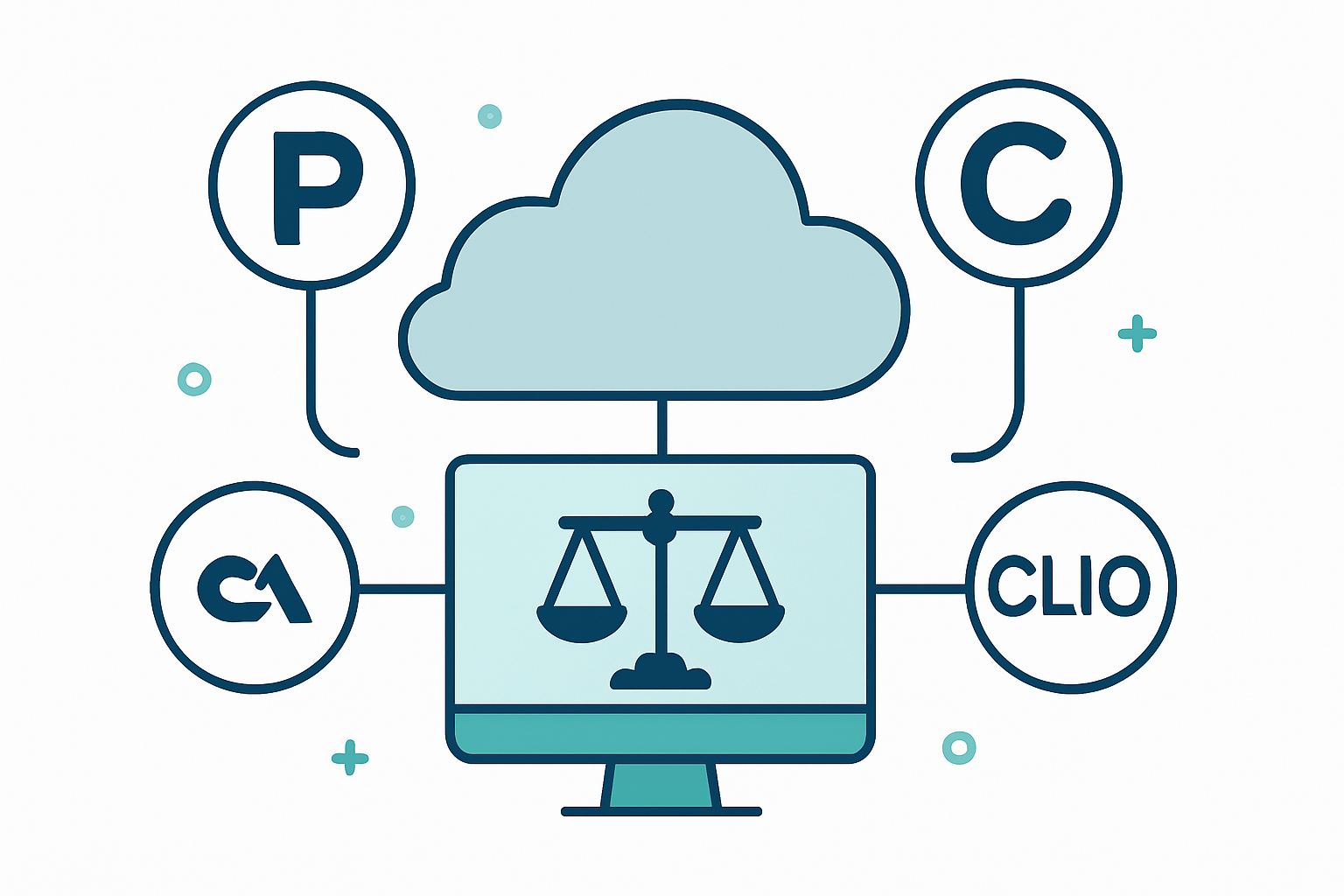
The legal technology market has largely moved to cloud-first platforms. Here are the major options and what they offer.
Clio is the most widely adopted cloud practice management platform, used by over 150,000 legal professionals globally. It handles case management, time tracking, billing, and client intake in a single platform. Clio is cloud-native, meaning there's no on-premises version to maintain.
NetDocuments is a cloud-based document management system built specifically for law firms. It provides version control, email management, and granular security permissions. NetDocuments stores over 14 billion documents and is SOC 2 Type II certified.
iManage offers both cloud and hybrid deployment options for document and email management. It's popular with mid-sized and larger firms that need deep integration with Microsoft 365 and advanced AI-powered document search.
PracticePanther is a cloud-based practice management platform designed for small to mid-sized firms. It includes built-in billing, calendaring, and a client portal, with a simpler interface that works well for firms that don't need the complexity of enterprise tools.
MyCase provides case management, billing, and client communication tools with a focus on ease of use. Its client portal and built-in payment processing make it a strong fit for firms that want to modernize client interactions alongside their cloud migration.
Security Considerations for Client Data in the Cloud
The biggest concern law firms have about cloud migration is security, and it's a legitimate one. Attorney-client privilege imposes a higher standard of care than most industries face.
The good news: the ABA addressed this directly. ABA Formal Opinion 477R confirms that lawyers may store client data in the cloud, provided they take "reasonable efforts" to ensure confidentiality. What counts as "reasonable" includes understanding how the provider handles encryption, access controls, and data residency.
Any cloud platform your firm uses should provide AES-256 encryption at rest and TLS 1.2 or higher in transit. Look for SOC 2 Type II certification, which verifies that the provider's security controls have been independently audited over time, not just at a single point.
Access controls matter as much as encryption. Configure role-based permissions so paralegals, associates, and partners only see what they need. Enable multi-factor authentication for every user. According to the 2024 Verizon Data Breach Investigations Report, 68% of breaches involve a human element like stolen credentials or phishing. MFA blocks the majority of those attacks.
Data residency is worth asking about. Some cloud providers store data in specific geographic regions. If your firm handles matters with cross-border implications, knowing where your data physically resides can matter for compliance purposes.
Hybrid vs. Full Cloud: Which Approach Fits Your Firm
Not every firm needs to move everything to the cloud at once. The choice between hybrid and full cloud depends on your firm's size, risk tolerance, and existing infrastructure.
Full cloud means all your practice management, document management, email, and file storage runs on cloud platforms. There are no local servers to maintain. This approach works best for firms with fewer than 50 attorneys that don't have complex legacy systems. The benefits are clear: lower maintenance costs, simplified IT management, and the ability to work from anywhere with an internet connection.
Hybrid cloud keeps some systems on-premises while moving others to the cloud. A common hybrid setup is running Microsoft 365 and practice management in the cloud while keeping a local file server for large document archives or legacy applications that don't have cloud equivalents. Hybrid works well for firms that have significant investments in on-premises infrastructure they aren't ready to abandon, or that have specific regulatory reasons to keep certain data local.
The 2024 ABA Legal Technology Survey shows that 22% of firms use a hybrid approach, while 38% have gone fully cloud. The remaining 40% are still primarily on-premises, though that number drops every year.

How to Plan a Law Firm Cloud Migration Step by Step
A successful migration follows a clear sequence. Skipping steps is how firms end up with missing files, confused staff, and security gaps.
- Assessment. Inventory every application, server, and data source your firm uses. Document how much data you have, where it lives, and who accesses it. This is the foundation for every decision that follows.
- Provider selection. Evaluate cloud platforms based on security certifications, legal industry experience, integration capabilities, and cost. Get references from firms similar to yours.
- Data preparation. Clean up your files before migrating. Archive closed cases, delete duplicates, and organize folder structures. Migrating a mess just gives you a mess in the cloud.
- Migration execution. Move data in phases, starting with less critical systems. Email and calendaring first, then practice management, then document management. Each phase should be tested before the next begins.
- Validation. After each phase, verify that all data transferred correctly. Check file counts, run searches for specific documents, and confirm that permissions carried over. Don't assume it worked just because it didn't throw an error.
- Training. Give your team hands-on time with the new systems before going live. The best migration in the world fails if your staff can't find their files on Monday morning.
What to Ask Your IT Provider Before Migrating
If you're working with a managed IT provider for your law firm (or evaluating a national law-firm-ready MSP), these are the questions that separate a good partner from one that's going to cost you time and money.
- Have you migrated law firms before? Legal data has specific security and compliance requirements that general IT providers may not understand. Ask for references from firms they've migrated.
- What's your rollback plan? If something goes wrong during migration, you need to know how quickly they can restore your data to its pre-migration state. "We'll figure it out" is not an acceptable answer.
- How do you handle attorney-client privileged data during transfer? Data in transit is vulnerable. Your provider should explain exactly how they encrypt and protect files during the migration process.
- What's the expected downtime? Zero downtime is possible with the right approach. Your provider should be able to give you a specific window and a plan for keeping your team productive during it.
- Who owns our data after migration? This should be obvious, but read the fine print. Your firm should retain full ownership and the ability to export data at any time.
- What ongoing support do you provide post-migration? Migration is not the finish line. You need ongoing monitoring, security updates, and someone to call when things break. A provider that disappears after cutover is not a partner.
If you're evaluating cloud solutions for your firm, having clear answers to these questions will save you from the most common migration pitfalls. And if your current provider can't answer them confidently, that tells you something too.
Frequently Asked Questions
Is cloud storage secure enough for client data?
Yes, when configured properly. Major legal cloud platforms like Clio, NetDocuments, and iManage use AES-256 encryption at rest and TLS encryption in transit. The ABA's Formal Opinion 477R confirms that attorneys may use cloud storage as long as they take reasonable steps to ensure confidentiality. The key is choosing a provider with SOC 2 compliance and configuring access controls correctly.
How long does a law firm cloud migration take?
Most small to mid-sized law firm migrations take 4 to 8 weeks from planning to completion. A solo practitioner with straightforward needs might finish in 2 weeks. Larger firms with complex document management systems, custom integrations, or regulatory requirements may need 3 to 6 months. The timeline depends on data volume, number of applications, and how much cleanup is needed before migration.
Do we need to move everything to the cloud at once?
No. Many firms start with email and basic productivity tools like Microsoft 365, then migrate practice management and document management in later phases. A phased approach reduces risk and gives your team time to adjust. Some firms also keep certain legacy systems on-premises permanently in a hybrid setup.
What happens to our data if the cloud provider goes down?
Reputable cloud providers maintain 99.9% or higher uptime guarantees with redundant data centers in multiple geographic regions. Your data is replicated across locations, so a single outage doesn't cause data loss. However, you should still maintain independent backups. No provider is immune to outages, and having your own backup ensures you can access critical files even during extended downtime.
How much does cloud migration cost for a law firm?
Costs vary widely based on firm size and complexity. For a 10-person firm, expect to spend between $5,000 and $15,000 on migration services, plus ongoing monthly subscription costs for cloud platforms. The upfront investment typically pays for itself within 12 to 18 months through reduced hardware costs, lower maintenance expenses, and improved productivity. Many firms also eliminate the capital expense of server replacements every 5 to 7 years.
Moving your firm's data to the cloud is one of the most impactful technology decisions you'll make. If you want help thinking through what a secure migration looks like for your specific situation, that's exactly the kind of conversation we have every day.